For press & partners
Brand Kit
Official ArrowPad.fun logos, colors, and typography. Use these assets as-is — please don’t recolor, stretch, rotate, or add effects to the mark.
Download full kit (.zip)Logo



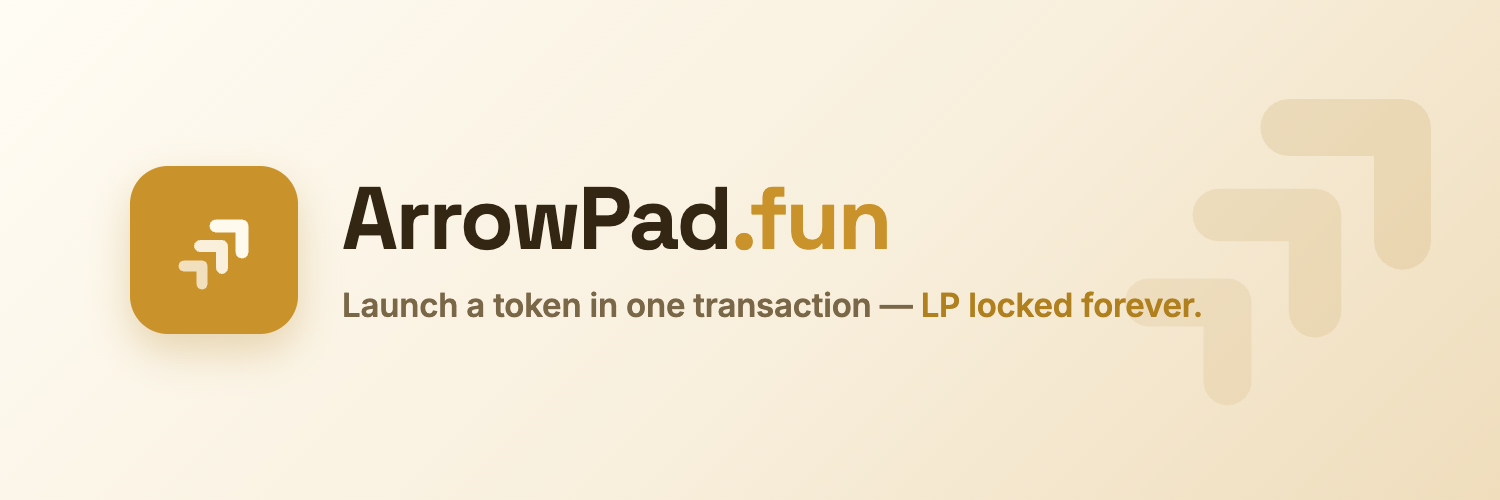
SVG scales to any size — prefer it wherever possible. PNGs are pre-rendered on transparent backgrounds at the sizes above. The lockups and the X banner are raster compositions, so they download as a single PNG rather than a vector.
App icon vs coin logo: the app icon keeps its rounded tile and generous padding for home screens and favicons. The coin logo is the one to upload as a token image — background to the edges, mark 15% larger, so it reads at 32px and stays intact when a listing site or wallet crops it to a circle.
Social media















Colors
Click a swatch to copy its hex code.
Typography
Headings & numbers
Space Grotesk
ABCDEFGHIJKLMNOPQRSTUVWXYZ
abcdefghijklmnopqrstuvwxyz 0123456789
Body text
Inter
ABCDEFGHIJKLMNOPQRSTUVWXYZ
abcdefghijklmnopqrstuvwxyz 0123456789
Usage
Do
- Use the primary mark on light backgrounds, the white mark on dark ones.
- Keep clear space around the mark of at least half its height.
- Use the app icon (gold tile) for avatars and small placements.
- Write the name as “ArrowPad.fun” or “ArrowPad”.
Don’t
- Recolor, stretch, rotate, outline, or add shadows/effects to the mark.
- Place the primary mark on busy or low-contrast backgrounds.
- Redraw the mark or rearrange the three chevrons.
- Imply partnership or endorsement without written agreement.